Save any image,
in the format you want.
Right-click. Pick PNG, JPG, WebP, AVIF, or BMP. Done. A tiny Chrome extension that finally puts you in control of how images are saved.
Free · Under 100 KB · No account · No tracking
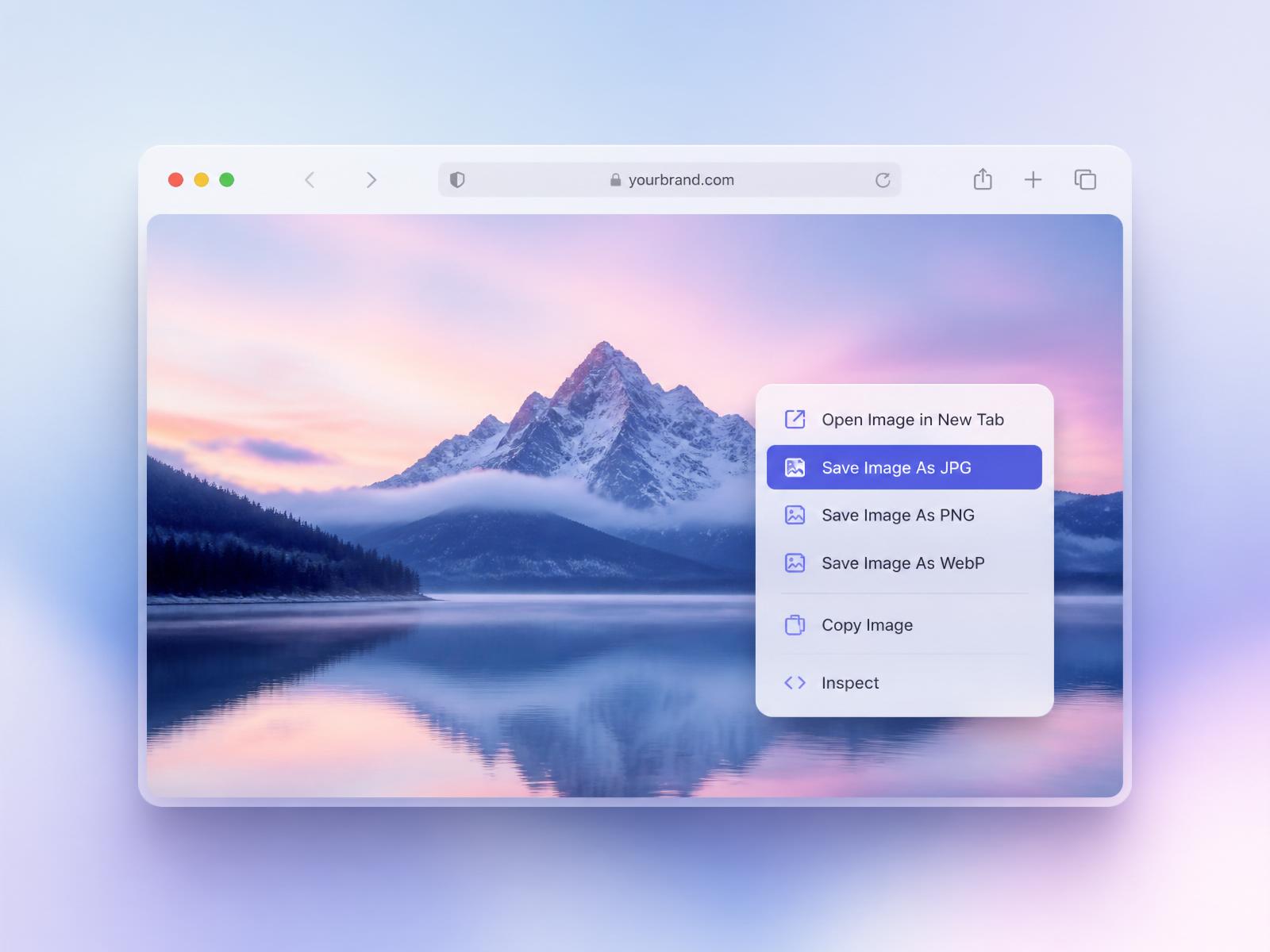
Five formats. One right-click.
Choose the format that fits — from tiny thumbnails to lossless archives.
Lossless & sharp
Small & universal
Modern & compact
Next-gen, tiny
Classic bitmap
Small tool. Big time saver.
Five formats, one right-click
PNG, JPG, WebP, AVIF, and BMP appear inside your context menu. Pick and go.
Works everywhere
Any website, any image — social feeds, articles, galleries, product pages.
You choose what shows
Toggle which formats appear in your menu. Keep only the ones you actually use.
100% local
Conversion runs on your device via canvas APIs. Images never touch a server.
Featherlight
Under 100 KB with no background processes. Your browser stays fast.
Free, forever
No trials, no upgrades. Install once and it just works.
Three steps. Less than a minute.
Install the extension
One click from the Chrome Web Store. No account needed.
Right-click any image
New Save-As options appear right in your menu.
Pick your format
The file downloads instantly in the format you chose.
